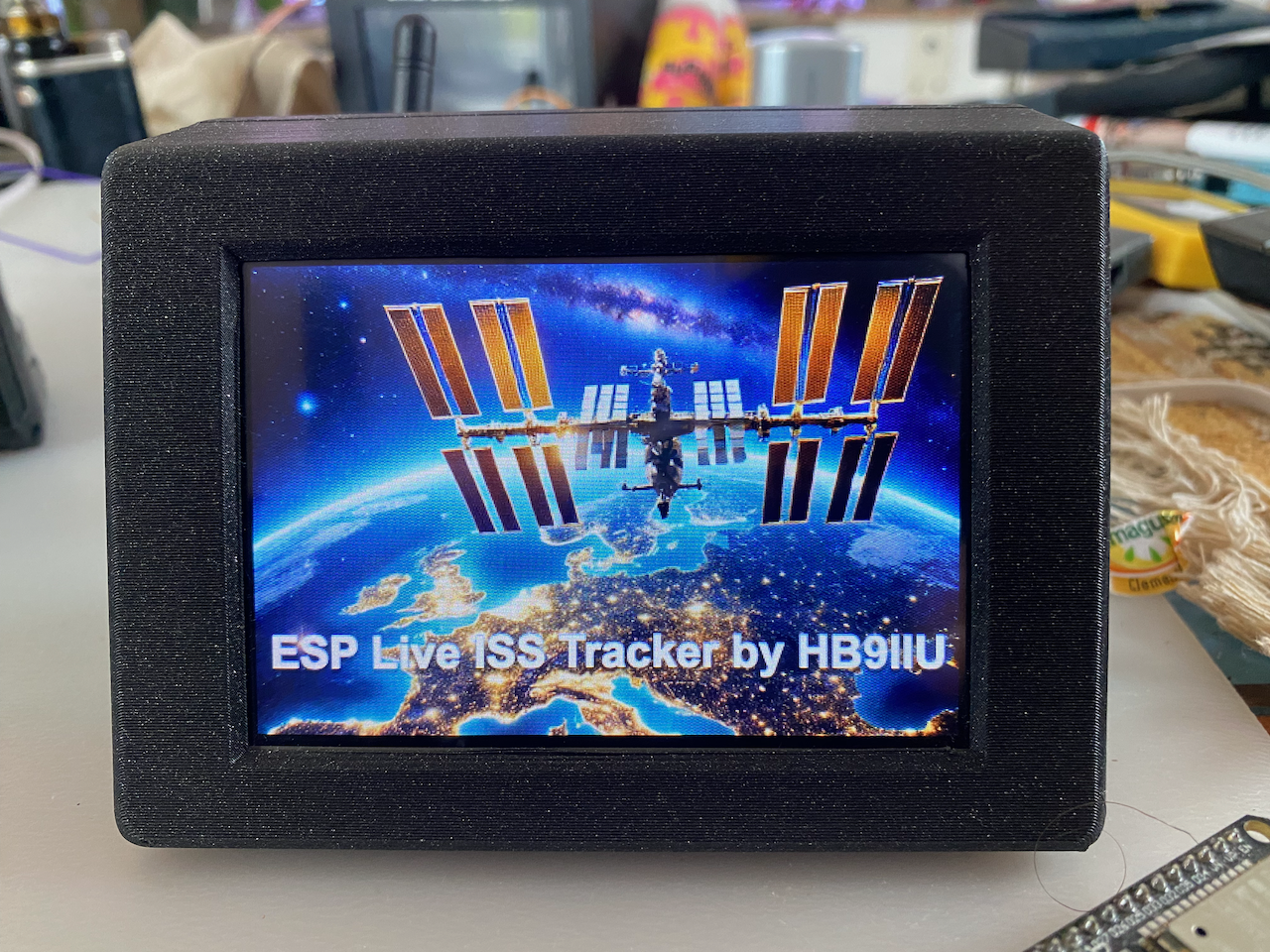
HB9IIU ISS Tracker
Real-time satellite tracking on a Cheap Yellow Display.
No software, no drivers, no coding — just plug in and flash.
Flash firmware to your CYD board
Connect your board via USB, then click Install.
Requires Chrome or Edge • Connect USB before clicking Install
What happens after flashing
Touch calibration
The screen asks if the image is upside-down. Tap to flip if needed, then follow the corner arrows to calibrate touch. Done once, stored in flash.
Connect & configure
Join the ISS-Tracker-Setup WiFi on your phone or PC. Your browser opens automatically at 192.168.4.1. Fill in your WiFi, location and preferences.
Live tracking
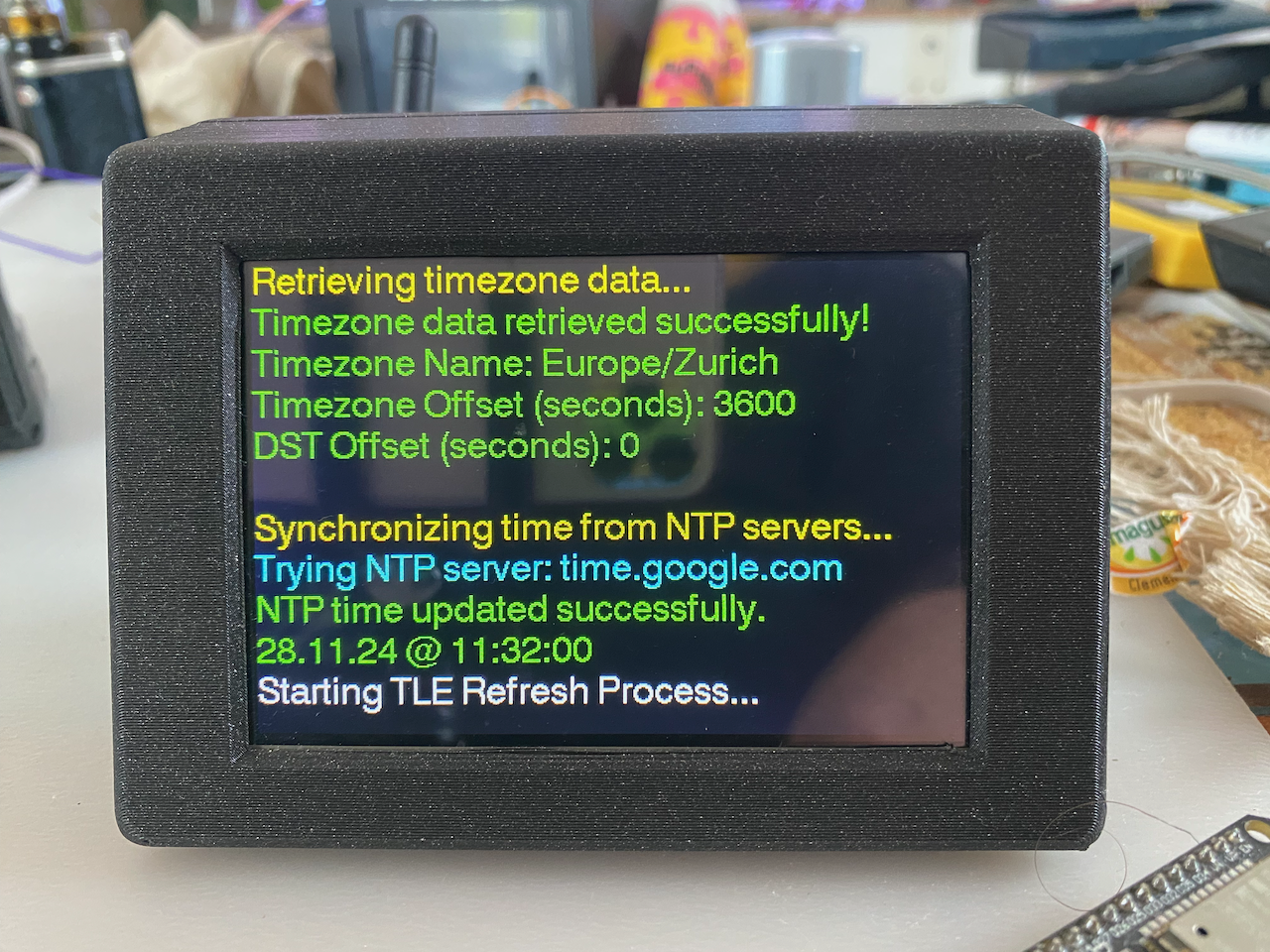
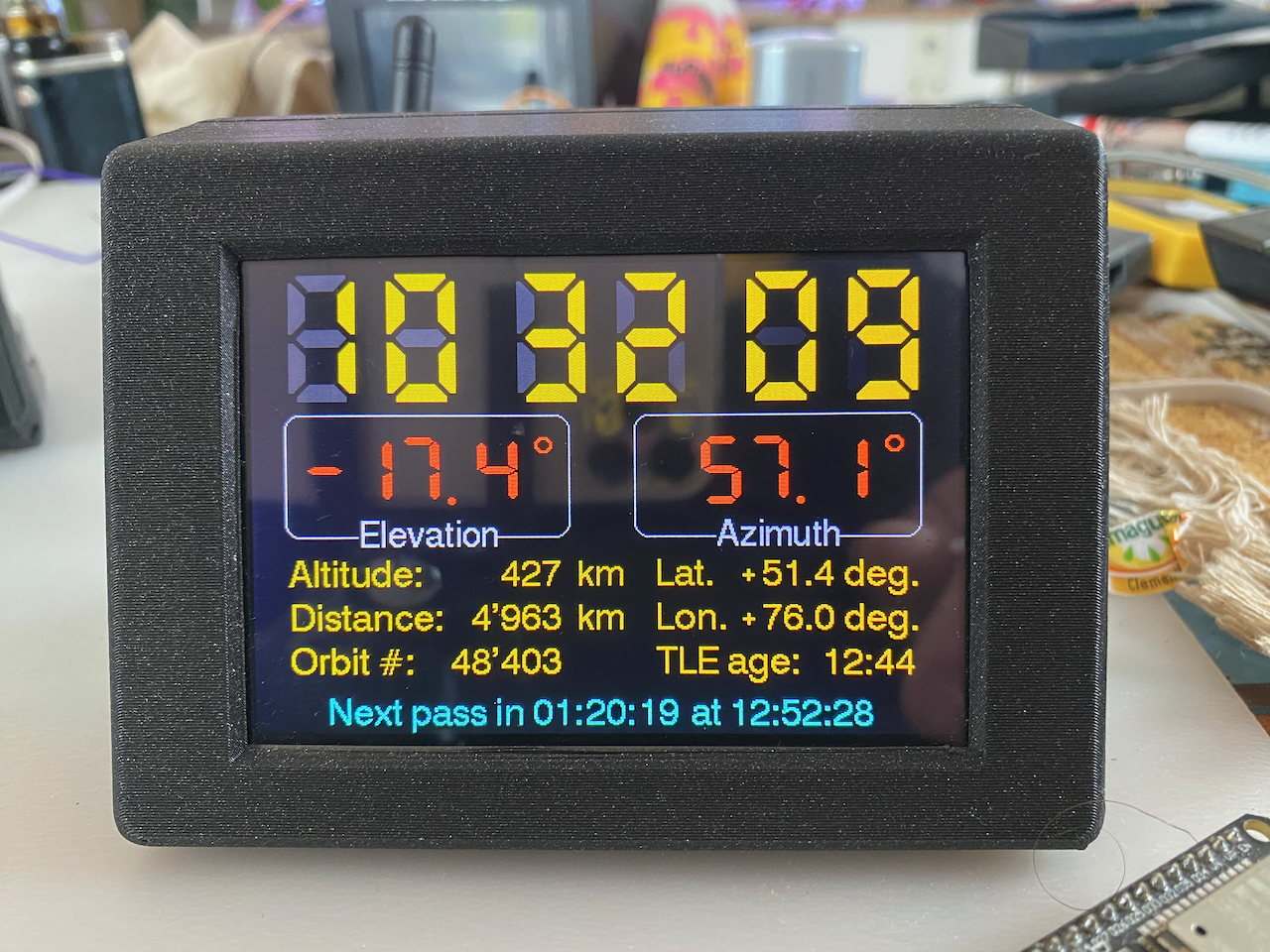
The device reboots, connects to your WiFi and starts tracking immediately. No PC needed from this point on.
Factory reset
Need to reconfigure? Hold the screen during the splash for 3 seconds, then confirm. All settings and calibration are wiped.
Features
On-device SGP4 calculations
Full orbital math runs on the ESP32. No position API, no cloud dependency.
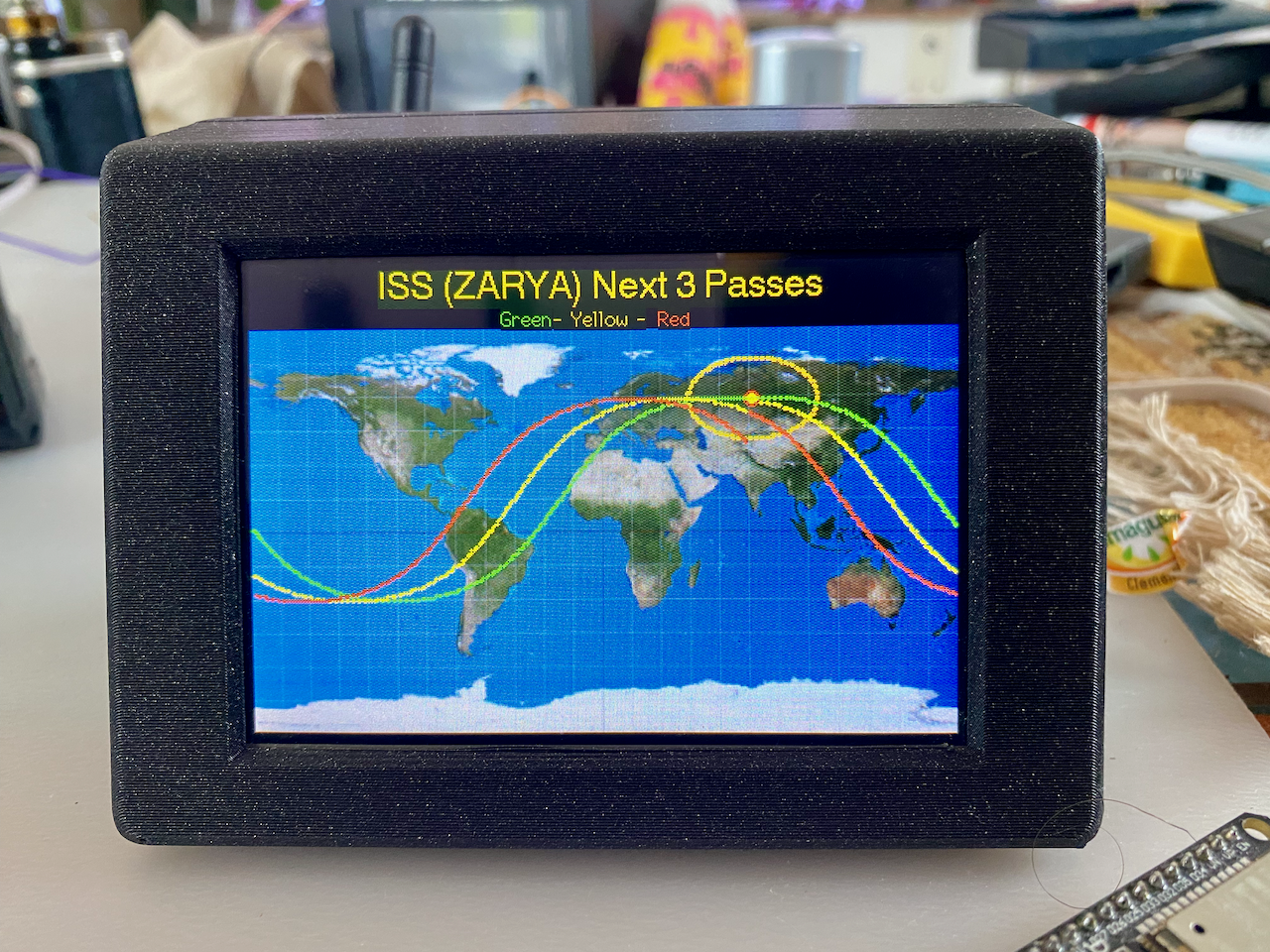
World map & polar plot
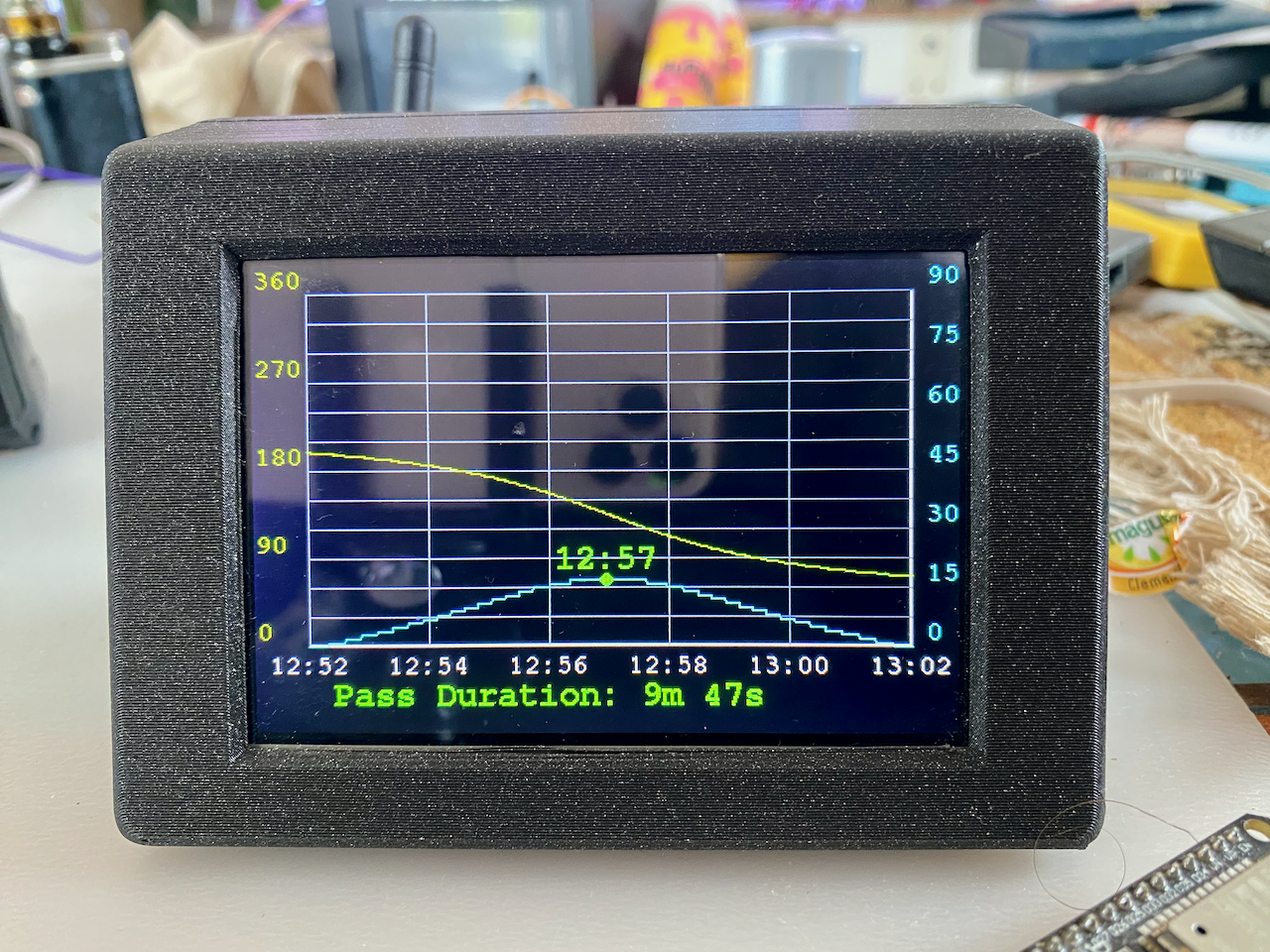
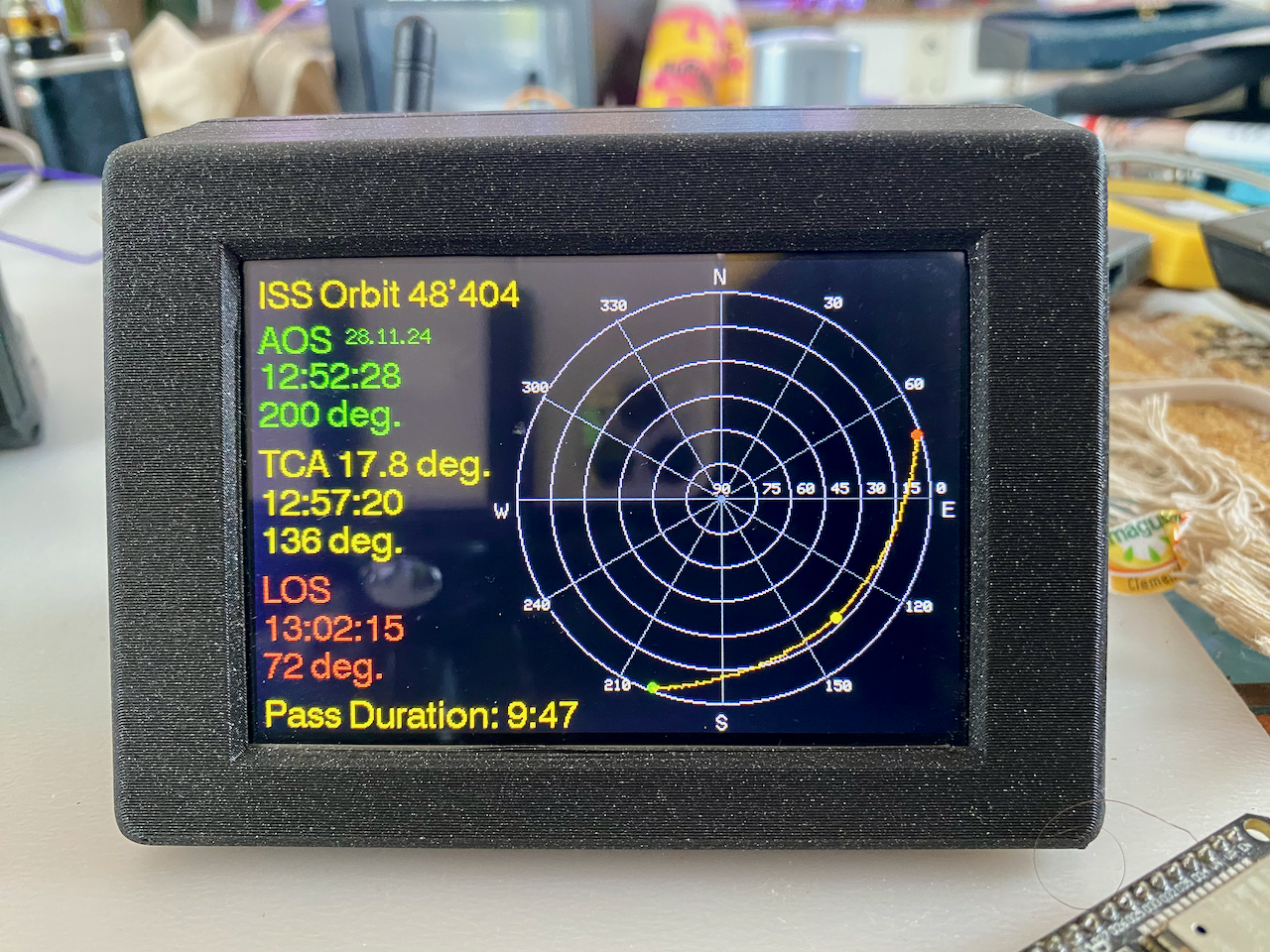
Live footprint overlay, multi-pass prediction, azimuth/elevation graph.
Any satellite
Track ISS, NOAA weather birds, HAM radio satellites, Hubble and more.
Audio notifications
Configurable buzzer beeps before AOS, LOS and at closest approach (TCA).
WebSocket rotor output
Streams azimuth/elevation data for driving an external antenna rotor.
No API key needed
Timezone & DST retrieved automatically via Open-Meteo. Free, no registration.
Screenshots